











 Charity
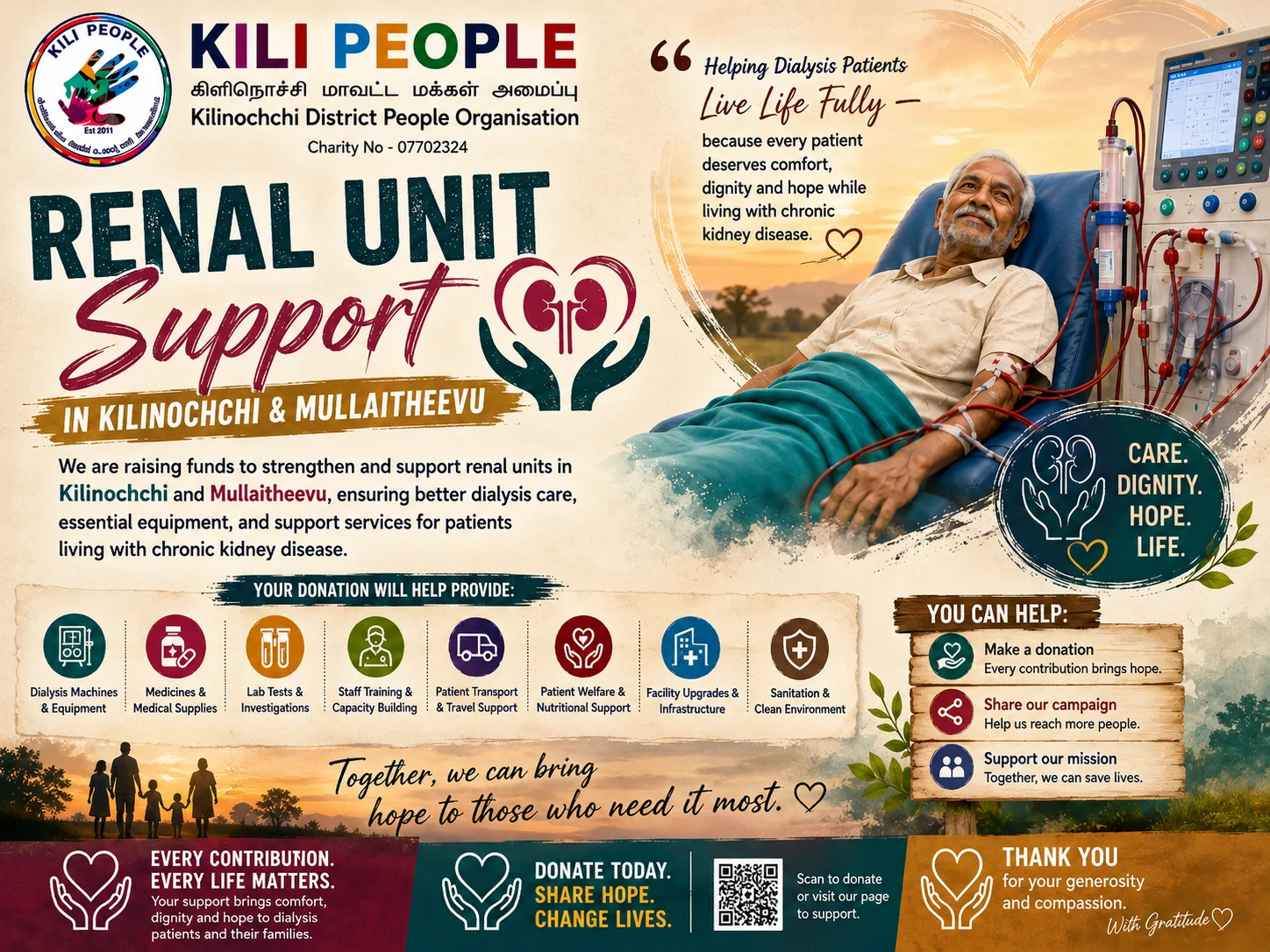
Renal Unit Support for Kilinochchi & Mullaitheevu
£2,500 raised
of £40,000
Create QR-powered events, digital profiles, and trackable links you can update anytime.


Upcoming events and the people bringing them to life.
Discover the campaigns gaining support across ShareLynk.
Charity
£2,500 raised
of £40,000
 Charity
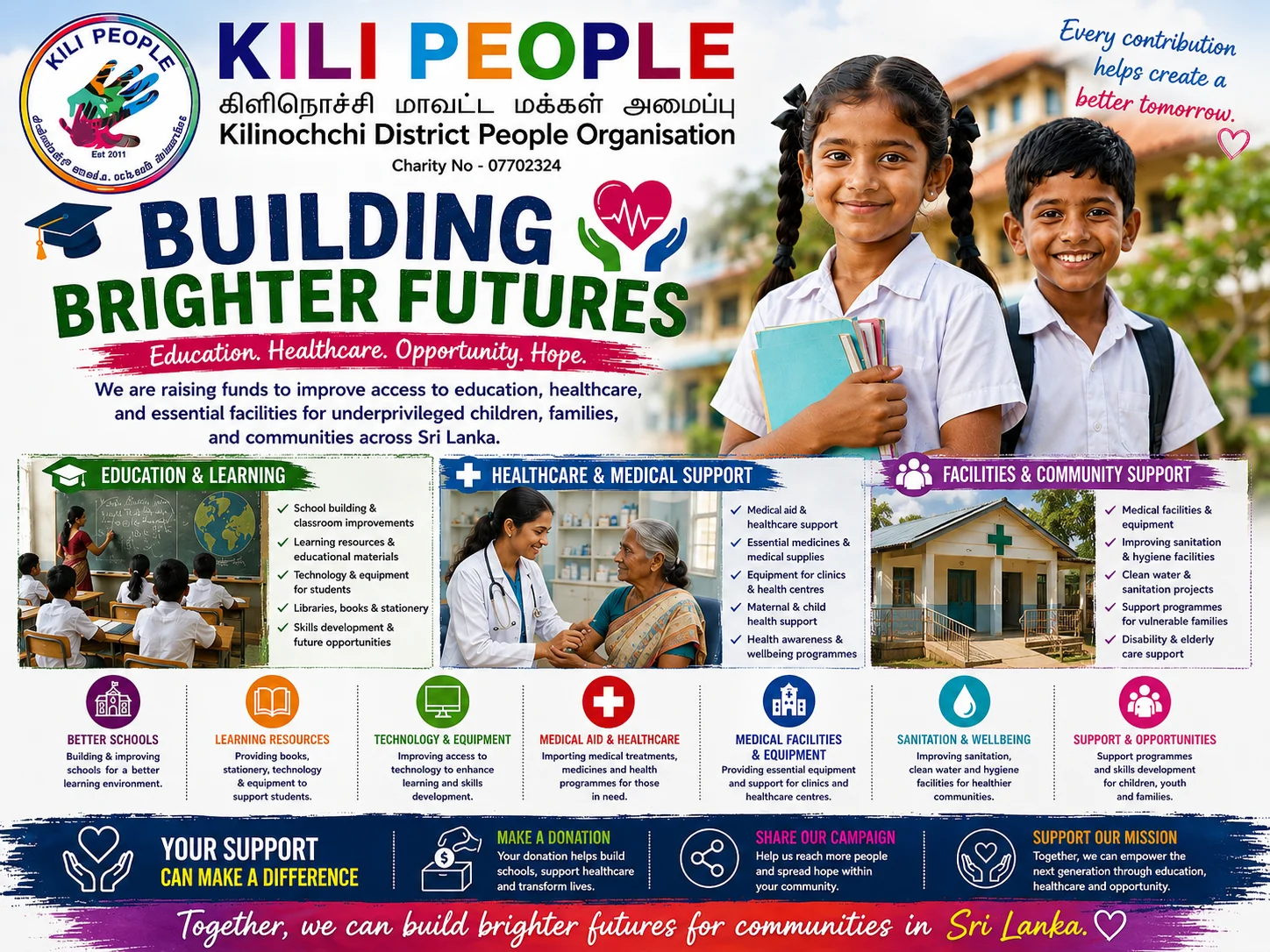
£2,150 raised
of £5,000
 Charity
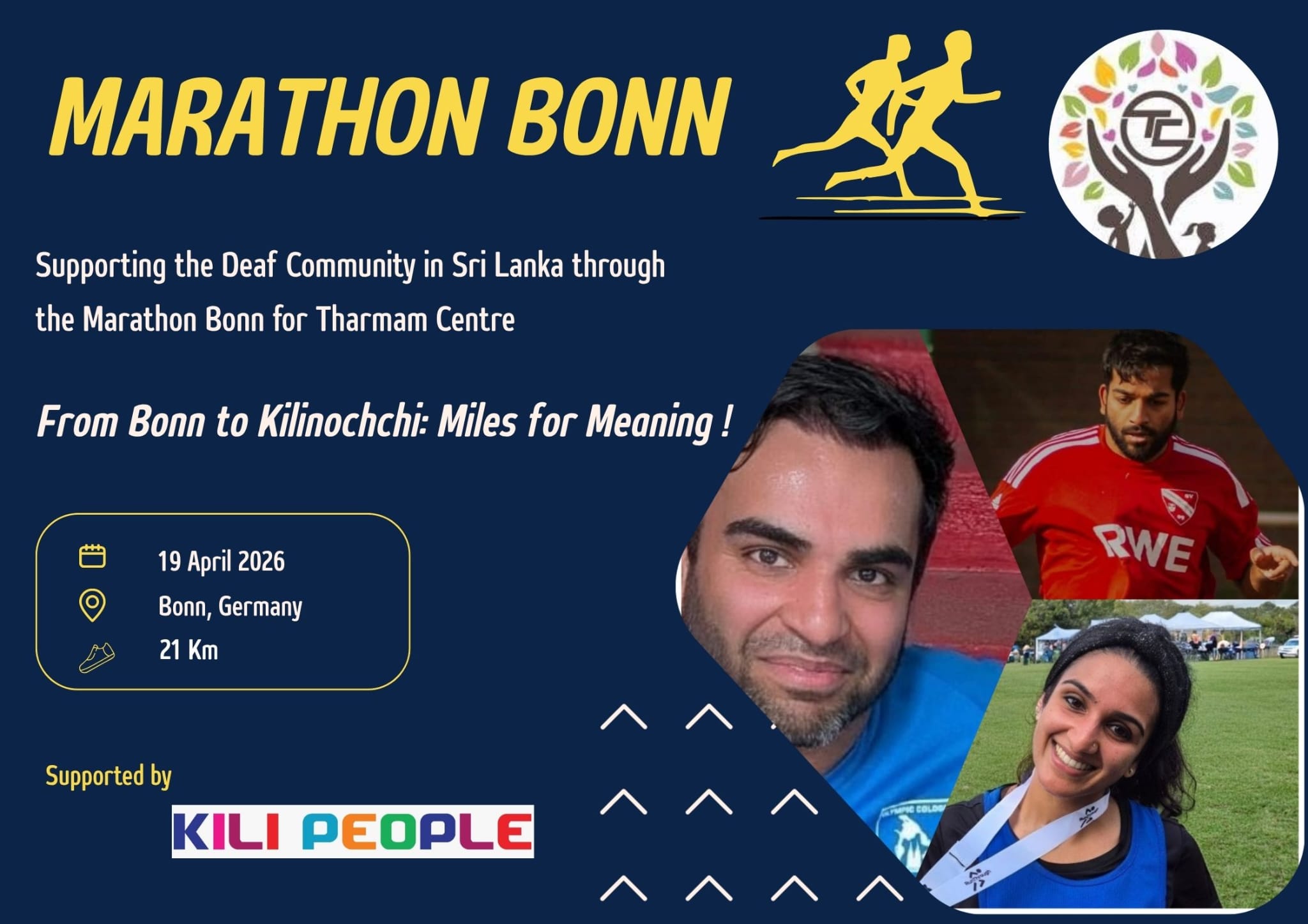
£1,980 raised
of £5,000
 Charity
£1,940 raised
of £5,000
 Charity
£427 raised
of £5,000
 Community group
£5 raised
of £20,000
Run profiles, events, and documents from one QR platform.
Share contact details, socials, bookings, and portfolio from one digital profile link. People scan your QR and see everything in one tap.
Host your event site, RSVPs, guest updates, and photos in one place.
Upload menus, brochures, or PDFs and replace them anytime without changing your QR.
Track scans by location, device, and time. Map view of every scan — see what's performing.
Build an event page, collect RSVPs, and handle check-in from one dashboard.
Publish event details, schedule, and FAQs on one shareable page.
Let guests upload and view photos in a shared gallery.
Collect RSVPs, ticket details, meal choices, and custom answers.
Use QR check-in at the door — no printed guest lists needed.
How it works
Add key details and publish in minutes.
Share by link or QR and collect RSVPs automatically.
Check guests in with QR and send live updates.
Turn brochures, menus, and PDFs into live, trackable QR links you can update anytime.
Replace files anytime while keeping the same QR code.
Track document scans, locations, and devices in real time.
Print once and keep content updated everywhere — for good.
Use your brand colors and logo on every code.
Generate high-res QR codes fast with custom colors, sizes, and logo support.
Real-world use cases across industries
Dynamic QR codes you can edit anytime with real-time analytics. Track scans, locations, and devices — no reprint needed.
Professional profiles that replace paper business cards. Share your contact instantly via QR code or link.
Transform PDFs into engaging digital experiences with clickable overlays, engagement tracking, and access control.
Track every scan and interaction with detailed geographic, device, and time-based insights.
Beautiful event sites with schedules, speakers, venue maps, and photo galleries — all behind a single QR code.
Sell tickets with QR codes and mobile wallet passes. Multiple ticket types, Apple and Google Wallet, seating assignment.